
I’ve reviewed an iPad and a Samsung Tab before, and the focus was always around graphics production and general productivity. Those are the powerhouses of the tablet world, and turned me onto just how nice it can be to have a larger portable screen around that isn’t a phone.
There’s something about the larger screen and higher specs of those tablets that makes a difference. Those, I bought for work, but what about fun? Sure, those are perfectly powerful enough to handle some streaming and gaming, but they also do a lot of other heavy lifting and I wanted to see what the more entertainment-focused tablets were like. I do much of that sort of thing on my phone, but after using a tablet, I’ve gotten a bit spoiled on the large screen. But between those two devices I have spent an unholy fortune on tablets and my wallet isn’t getting any fatter these days so if I want to play around with something new, it’s going to have to be less pricey. That’s where the Fire HD 10 comes in!
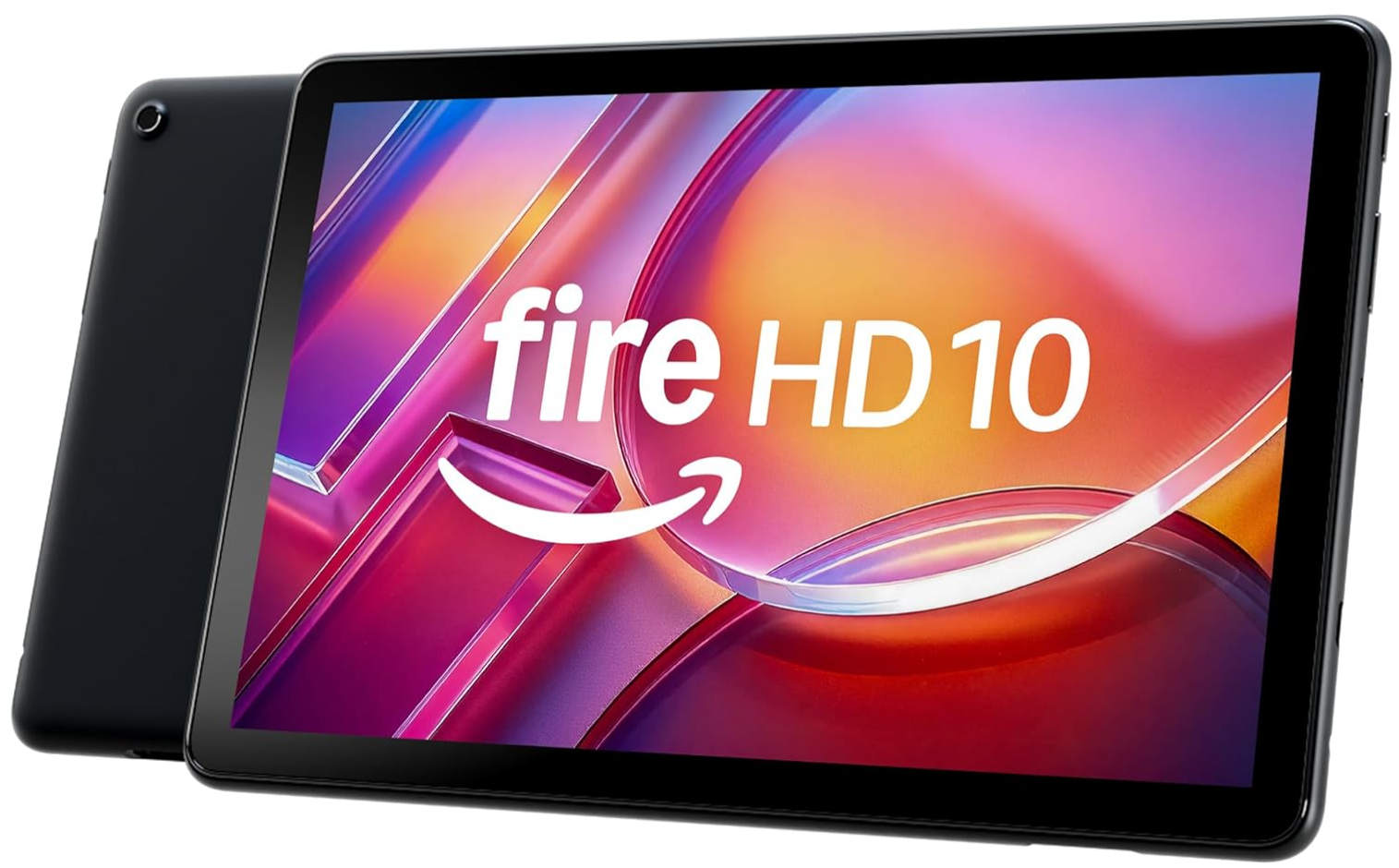
The Fire HD 10
If you’re looking for a tablet for streaming and light gaming without breaking the bank, the gold standard in terms of popularity and ease of access is the Amazon Fire lineup. I didn’t even need to research this one all that much since my time on the Amazon storefront platform has had me swiping past the various generations of Fire Tablets for years already. The reviews are always good (though I’d take those with a grain of salt considering where this is being sold) and I’ve seen a few in person already. My Dad has been gifting these to my mom on a regular basis in the hopes that she might put her phone down for more than a few minutes at a time, even if it’s for another screen. It works… for about a week, then she picks up the phone again and the Christmas tree re-loads for another attempt within a year or two. I’ve even ended up with a hand-me-down from this cycle before and I remember liking the thing. The problem was that back then I just wasn’t a tablet person. Now, however, I’m all-in and it’s time to see what they’ve done with this thing here at the *checks notes* 13th generation.
It’s a 10-inch tablet, just about as middle-of-the-lane as it gets when it comes to tablets. It works nicely, though, since I’m not using a stylus with it and all I really want to do is stream and scroll. The screen is nice and bright, the image is crisp so it certainly lives up to the “HD” portion of the name. I got the most basic $159.99 model which comes with a fairly annoying feature; ads on the lock screen. That was an unpleasant realization when I turned it on and got it set up. Apparently you can pay more to remove those ads but I’ll be damned if I’m going to participate in that dystopian game so I guess I’ll just have to live with the experience of having my tablet beg me to download an endless parade of cheaply made casual games every time I pick it up. That’s a major mark against the Fire line of products for me. That aside, the tablet is a pretty solid little item that does its job very well! Though large bezels are sometimes frowned upon by reviewers, this is a device you will be holding in your hand for potentially hours at a time, and that means that big space around the screen on all sides becomes the perfect place to rest your thumb while using it! Sure, it adds to the size and weight but I would consider this a good design choice for the Fire. It’s also a little bit cheap feeling with it’s old fashioned rounded back and plastic casing, but this is a budget tablet, you’re going to have to cut a few corners to get it to this price point. That shows again in the lack of a fingerprint scanner. You’ll just have to remember your pin to get into this tablet!
The performance is actually really good for what it is. It’s extremely responsive and easy to use. Much like a Google tablet has all the nice Google apps pre-installed, this has the Amazon, Kindle, Audible, Prime Video, Amazon Music, the Silk browser and a few more good ones. If you’re deep in that Amazon ecosystem, you’ll have everything you need set up and ready to go. If you buy this on your Amazon account, it’ll come with everything pre-signed in and ready to go, too!
Fighting the Ads
So, the lock screen ads aren’t the only ones you’ll have to deal with here. The home screen is pre-loaded with a huge bar that has “Discover” written on it that will basically be showing you adds for apps and services non-stop. The nice thing is that they let you turn this one off. Just search for “discover” in the settings and turn it off. On the “for you” tab (a quick right swipe from the home page) they fill about a third of the screen with even more ads disguised as news articles and such. This isn’t terribly new, as android phones have had this feature for years now so I’m not too worried about that one since it’s tucked away.
The long and short of it, though, is that if you use this tablet, be ready to keep your eyes peeled for ads, because they do try to slip them into the regular flow of things pretty often.
Streaming on the Fire HD 10
So, I installed YouTube and I already have Prime TV so I took it for a couch potato test run to see how it performs. As a streaming device this thing was absolutely fantastic. The plastic back casing didn’t get too hot after long periods of time with it running, the bezel, as I said before, made for a comfy grip, and it was just the right size to look nice at lap-height.
Movies were easy to watch, captions were easy to read, and the apps designed for the tablet were easy to get used to. I still don’t know why the interface for an app has to be wildly different on every device it lives on, but at least the apps on the Fire are well designed.
The screen is very glossy so a bit of glare did get in my way from time to time, but any glass screen will give you that issue. The battery life with the brightness down to about half ran me about 7 hours. If you’re streaming on a tablet on your couch for more that 7 hours without getting up to charge it and touching some grass, I would recommend a lifestyle re-evaluation. This thing lasts more than long enough for regular use.
I played a few games on it and I do think that mobile games are better on a phone. The tap and swipe mechanics of mobile titles are just unwieldy on a larger screen, but the games performed extremely well. No lags, crashes or hiccups of any kind. The available library of games was a bit limited, but that’s what I’ve got my phone for.
TL;DR Specs
Here are the basic specs for all you skimmers out there!
- Display Size: 10.1 inches
- Display Resolution: 1920 × 1200 Full HD (224 ppi)
- Display Material: Strengthened aluminosilicate glass
- Processor: Octa-core processor
- RAM: 3 GB
- Storage Options:
32 GB
64 GB
- Expandable Storage: microSD card support up to 1 TB
- Operating System: Fire OS
- Battery Life: Up to 13 hours
- Charging Port: USB-C
- Charging Time: Approximately 4 hours (with included adapter)
- Rear Camera: 5 MP
- Front Camera: 5 MP
- Video Recording: 1080p HD
- Speakers: Dual stereo speakers with Dolby Atmos support
- Connectivity:
Dual-band Wi-Fi
Bluetooth 5.3
USB-C
- Voice Assistant: Amazon Alexa
- Dimensions: 9.69 × 6.49 × 0.34 inches
- Weight: Approximately 15.3 ounces (434 g)
Is it Worth It?
I’d say this is very worth the money. At just under $160, it’s pretty dang cheap for a tablet. Sure, you have to deal with a few rough edges, but as a daily streamer, it does a fantastic job. Just try to ignore all the ads.
About the Author:
Ever since a young George was disappointed with a toy that did match up to the advertising, he became a tireless advocate for consumers. He’ll review anything that folks have to spend their hard-earned dollars on. George is grateful that he gets to use his skills as a writer and an artist to help connect with consumers and help them make the best decisions possible.
This article is for informational purposes only and reflects the author’s independent opinion. Readers should verify details directly with the manufacturer or retailer before making a purchase decision.